CPU Stress Testing vs CPU Benchmark Testing: Which One Do You Need?
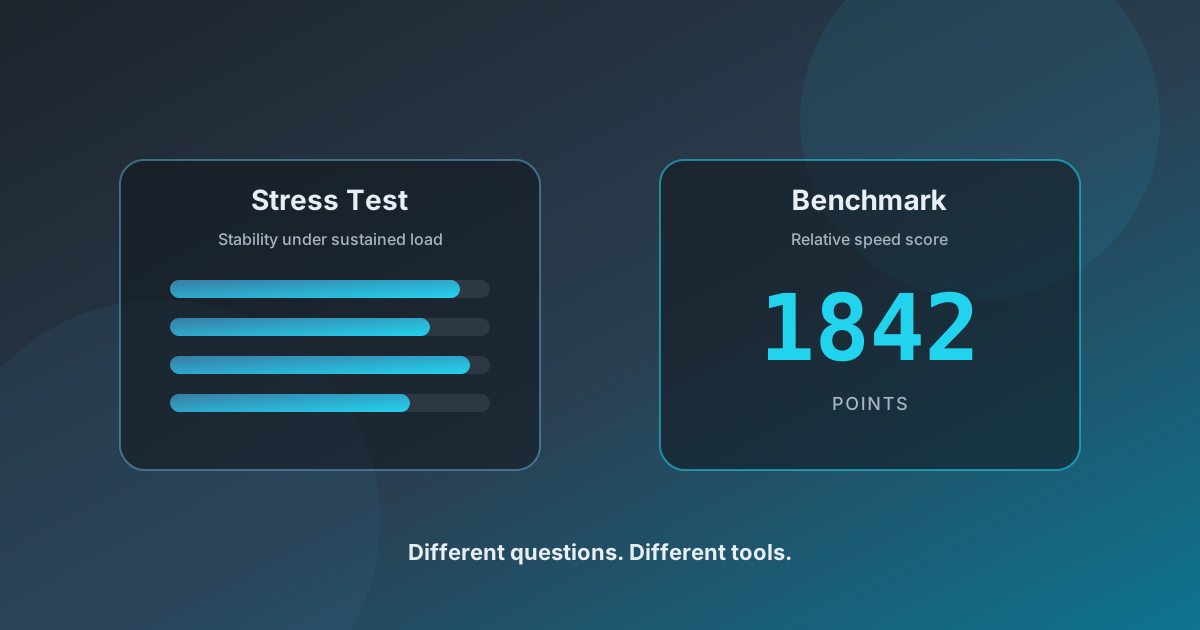
Search for “CPU test” and you will find two families of tools that sound interchangeable but answer different questions. One asks whether your system holds up. The other asks how fast it is relative to something else. Mixing them up leads to bad conclusions — chasing a higher score when you needed thermal stability, or worrying about a mid-pack benchmark when your real problem was a crash under sustained load.
What a CPU stress test is for
A stress test applies continuous, demanding work so you can watch stability, responsiveness, and cooling behavior over time. The goal is not a leaderboard rank. It is to reveal whether fans ramp cleanly, whether the machine stays usable, and whether you hit freezes, unexpected shutdowns, or severe lag that points at cooling or power limits.
That is exactly the job of CPU Stress Tester: load every active logical core from the browser, keep the session under your control, and give you a practical window into sustained behavior without installing native torture utilities first.
What a CPU benchmark is for
A benchmark runs a fixed (or carefully defined) workload and produces a comparable score. You use it to compare chips, validate an upgrade, or check that performance did not regress after a driver or BIOS change. Benchmarks care about throughput and consistency of the measured score — not whether your laptop can sit at full load for twenty minutes without throttling into oblivion.
Side-by-side differences
- Question answered: stress = “Does it stay stable?”; benchmark = “How fast is it?”
- Duration: stress often runs longer so heat can build; benchmarks are usually shorter timed runs.
- Success criteria: stress cares about no crashes and controlled thermals; benchmarks care about the score and run-to-run variance.
- Related terms: load test, torture test, and burn-in sit with stress; synthetic suites and application traces sit with benchmarks.
When to run which
Run a stress test after building a PC, reseating a cooler, changing thermal paste, enabling an aggressive power plan, or when you see random shutdowns under long renders or gaming. Run a benchmark when shopping for a CPU, comparing laptop configurations, or documenting performance before and after a change.
Many people benefit from both: stress for confidence under load, then a benchmark if they need a number for comparison. Starting with stress is usually wiser when reliability is the open question.
Where browser tools fit
Browser-based stress testing cannot read die temperatures and cannot always match the absolute intensity of a native tool like Prime95. Tabs can be throttled, and the browser itself uses some CPU. That does not make the test useless — it still generates real heat and real load, and it is an excellent first pass. If a browser run already destabilizes the system, you have learned something important before installing anything else.
CPU Stress Tester is built for that first pass: pick a duration and stress level, watch thread activity, and stop the moment the device feels wrong.
Practical takeaway
If you need stability confidence, stress test. If you need a comparable speed number, benchmark. If someone hands you a single “CPU test” score and claims your cooling is fine, ask which question that number actually answered — then run the right tool for the job.
Ready to check stability? Open the free CPU stress tester and run a few minutes with the tab in focus.